Version 2.1 Release
Version 2.1 Release
Version 2.1 of Backseat Geologist is now available on the App Store and Play Store. This update brings a few fixes and support for iPad, Mac, and iPhone Duo!
Quick on the heels of version 2, here is version 2.1. It refines a few things I noticed after version 2 shipped. There are improvements to POI loading, translations, and the Discover gallery. But the main thing is support for new device screen layouts.
New Platforms
iPhone Duo
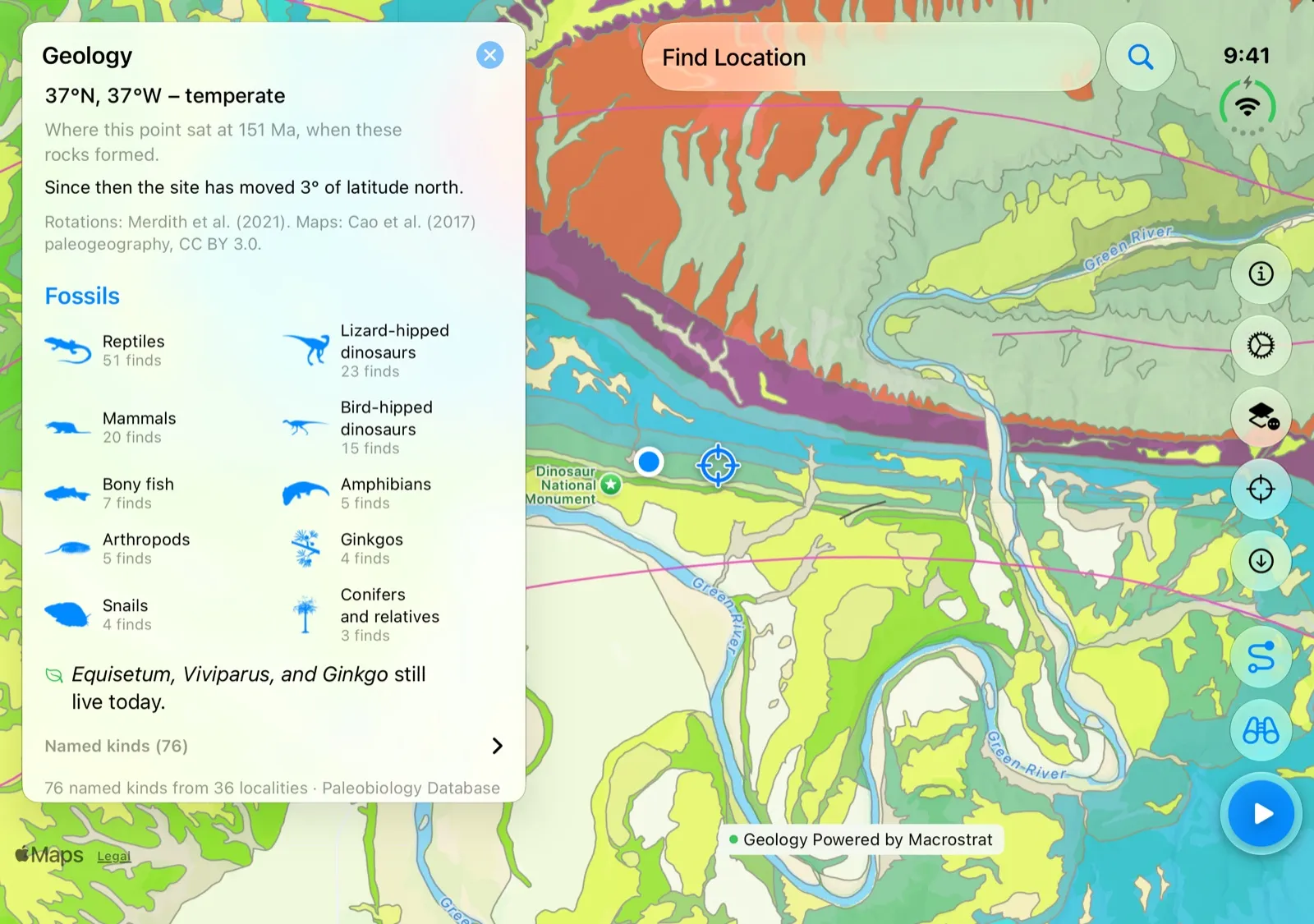
The release of the iPhone Duo gave me an opportunity to think about how Backseat Geologist should work on larger screens. A direct translation of layouts and button placement was looking pretty rough so it made sense to redesign the layouts. On the Duo, buttons like settings, map options, and center on you are now pushed into the safe area on the side to free up space on the outer screen. On the inner screen, icons are placed along the right side for easy reach. The geologic map gets tons of space to breathe and be the focus of the app. Tapping on a unit brings up the detail panel as before, but expanding it for the full details now opens a column to the side so you can see the details and map together.
iPad and Mac
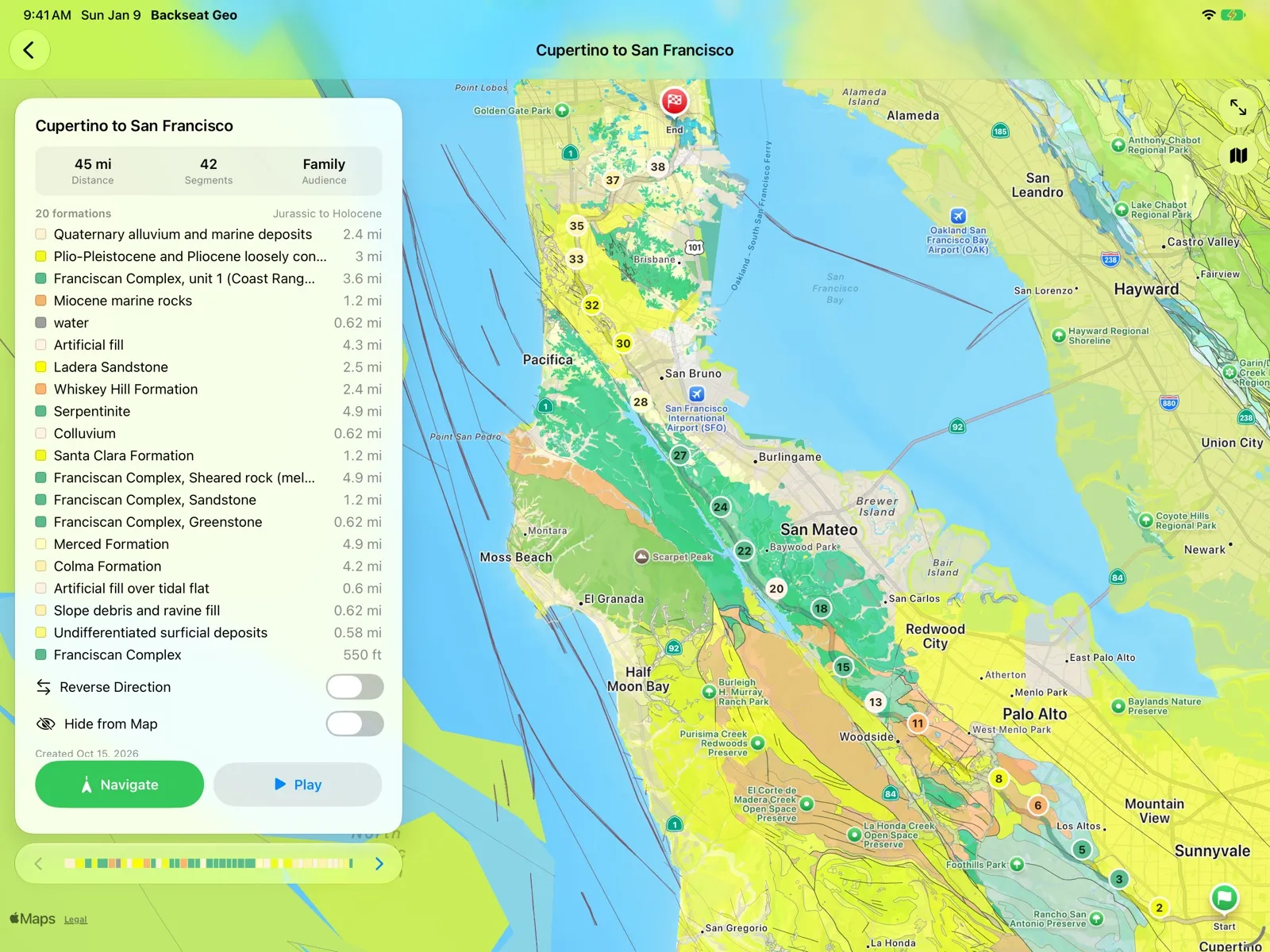
Naturally, since I was already working on the slightly larger screen of the iPhone Duo, I went ahead and made sure the app looks good on iPads as well. And with that comes the added bonus that Macs can run iPad apps with basically no additional work. I didn’t really think a desktop version of the app had any utility; the whole point is to learn about geology on the go. I was surprised to find how much I like panning around and exploring the map on a large screen. The core feature of audio narration is a bit useless but exploring units and looking at the details in a large format is pretty nice. As of version 2.1.1, your saved routes and overlooks sync across your devices with iCloud, so a route you plan on the Mac is ready on your phone for the drive.
Bug Fixes and Improvements
Since 2.1 went out, two smaller updates have followed. Version 2.1.1 brought iCloud sync, a place search that finds parks and landmarks, and a sidebar you can resize on iPad and Mac. Version 2.1.2, out soon, makes the geology more accurate across Europe and the eastern US and adds richer rock descriptions from state geologic maps. Android picked up a few small fixes along the way too.
Thanks for riding along, and let me know what you think of the app on a bigger screen! As always, if you run into a bug, email me and I’ll work to get it fixed.